If It Can Walk and Talk
Week 5 gave the NPC decision-making power!
Up until now, Discovery Park’s characters could decide, patrol, react, change state. The next (ha!) step for Week 6 was to make them feel physically grounded instead of logic-driven entities sliding across space.
Animations would become velocity-driven.
Movement would be calibrated against physics.
Footsteps would synchronize to contact.
Ambient audio would establish spatial scale.
Simple NPC dialogue would integrate cleanly through the existing PlayerController.
The goal was not “make it look like it moves,” it was to make it move correctly without breaking the architecture that Week 5 established.
Let’s Get Moving!
From Static to Idle to Walk
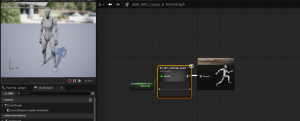
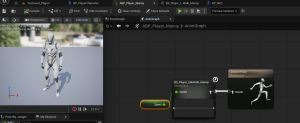
Both Manny (Player) and Quinn (NPC) now run on dedicated Animation Blueprints:
ABP_Player_MannyandABP_NPC_Quinn
Each uses its own 1D Blend Space to drive Idle ↔ Walk transitions.
I mapped the Blend Space axis directly to CharacterMovement’s MaxWalkSpeed, so that the animation is not guesswork. It is mathematically tied to actual velocity (AKA physics!)
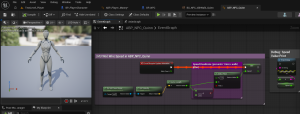
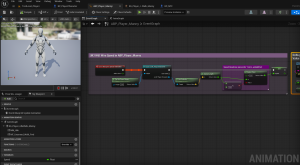
In the Event Graph, Speed is calculated through:
- Try Get Pawn Owner
- Cast to the correct character class
- Get Velocity → Vector Length
That value feeds directly into the Blend Space.
NFL Deadzone
I also implemented a deadzone (coolest thing ever!) to eliminate a common issue of a “micro-jitter” when the character is nearly stationary. Without it, the animation flickers subtly between idle and walk due to tiny movement values. Though these values (i.e., 1.2 or 0.8) are technically correct, for animation, they are visually wrong. The deadzone ensures that near-zero movement actually reads as idle.
Are They Walking or Ice Skating?
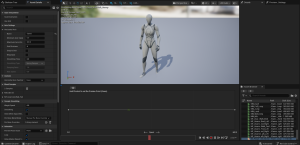
When testing the animations, I reduced the game to slomo 0.5 to evaluate foot sliding in slow motion. At runtime speed, issues can hide. In slow motion the animations appeared to have some “foot sliding” happening where instead of defined steps, they glided slightly. At normal speed it was not noticeable, this is more of a nit-picking detail I wanted to look into as I had heard legends of it.
I compared MaxWalkSpeed directly against the Blend Space axis and adjusted:
- Braking Deceleration (2048 → 3000)
- Ground Friction (8 → 10)
These tweaks reduced visible skating without destabilizing movement responsiveness, though not perfectly.
Minor sliding remains during steady-state walking. For now, that’s acceptable within milestone scope. The purpose here was calibration, not animation re-targeting surgery.
This exercise reinforced a new understanding for more advanced game development:
Top-tier animation quality lives at the intersection of physics and blending logic.
Turn Up the Volume!!
Are Those Footsteps?
The next layer I added in this Milestone was audio driven by animation itself.
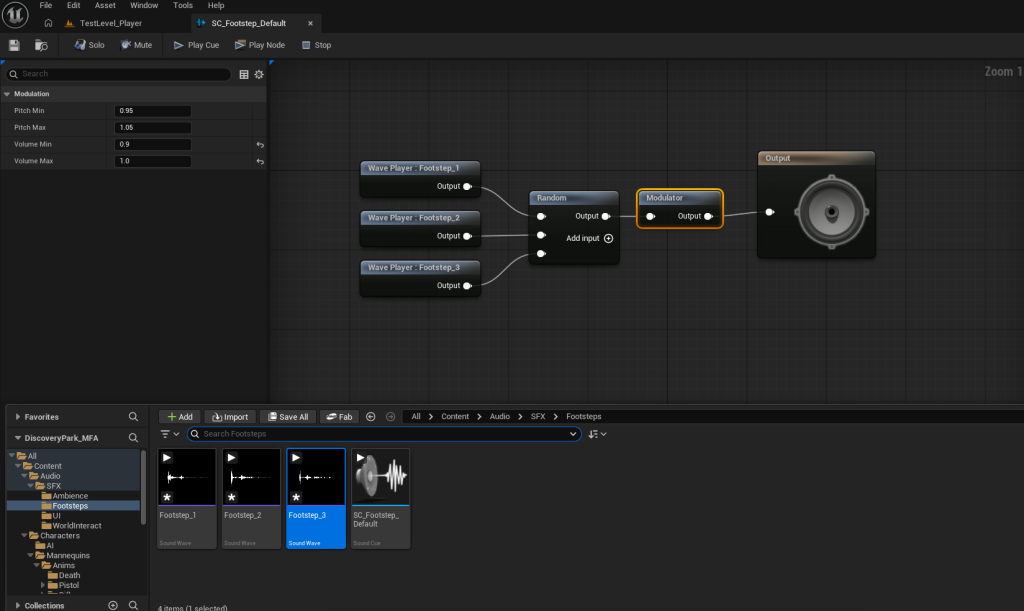
I imported three footstep .WAV assets and created a Sound Cue:
SC_Footstep_Default
Using a Random node and a Volume Modulator prevents repetition fatigue. Each step now has slight variation, which keeps it from sounding robotic.
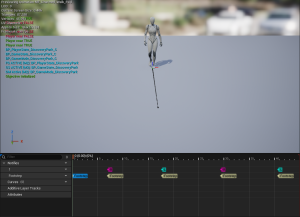
In the walking forward animation, I added Animation Notifies at precise foot contact frames. Those notifies trigger events inside both Animation Blueprints, which use Spawn Sound Attached nodes on the mesh.
Volume was intentionally differentiated:
- Player = 1.0
- NPC = 0.5
- Modulator tightened to 0.6–0.7
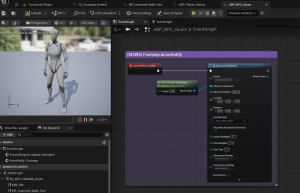
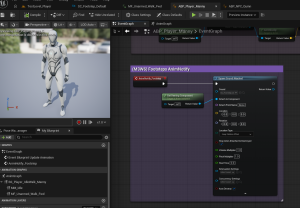
This establishes player-audio priority while preserving spatial realism. Since the sound is attached to the mesh, footsteps respect world position and attenuation automatically. Movement is no longer silent. It has impact.
Aaaaambieeeeence
A character can move and sound correct, but the world still needs a base layer. This is where environmental noise like wind and birds comes in.
I imported an ambient .WAV and created another Sound Cue:
SC_Ambience_Park_Loop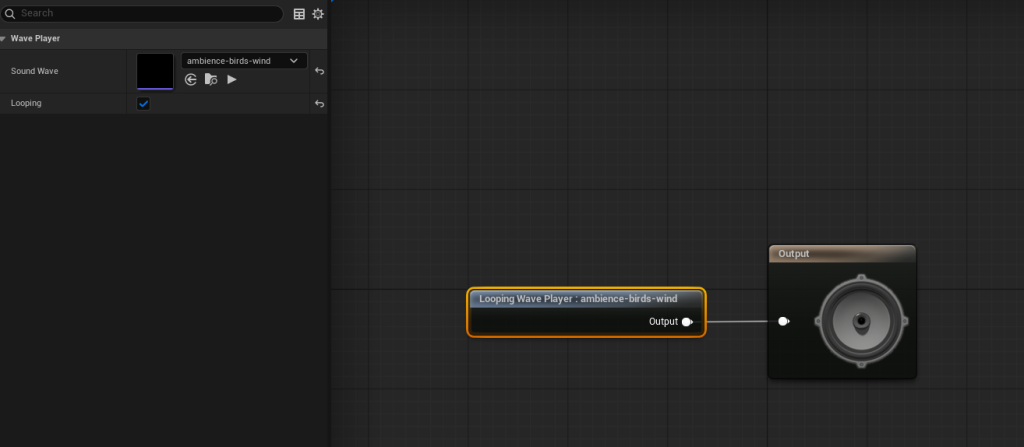
Looping was enabled in the Wave Player, and an Ambient Sound actor was placed in the level.
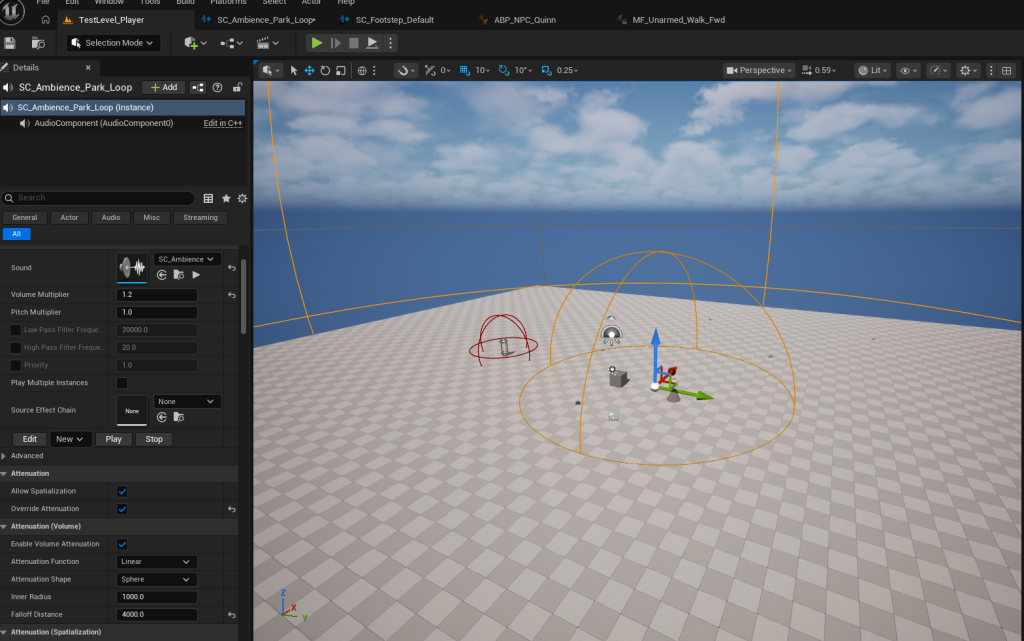
Discovery Park no longer feels like a test environment. It feels inhabited!
Speak or Forever Hold Your Peace
Good Day Madam NPC
The final checklist item for this Milestone was to implement NPC dialogue through the existing interaction system (rather than creating new logic). To make a long story short:
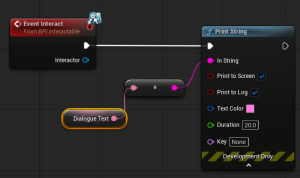
BP_NPCnow implementsBPI_Interactable.- I added an instance-editable
DialogueTextvariable and implemented bothGetInteractPromptTextandEvent Interact. - Initial testing used Print String to confirm flow before UI was introduced.
- A lightweight widget,
WBP_NPCDialogue, was created with a publicSetDialogueTextfunction.
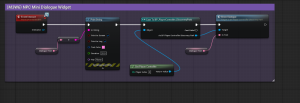
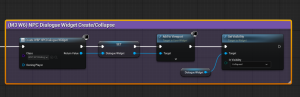
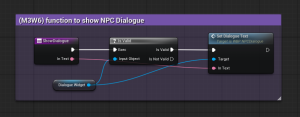
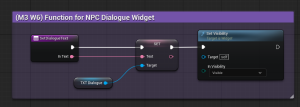
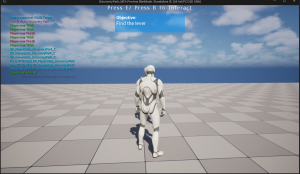
The PlayerController now:
- Creates and stores the widget on BeginPlay
- Controls visibility
- Exposes
ShowDialogue(InText)
When interacted with, the NPC calls the PlayerController, which displays the dialogue.
The NPC does not own UI, instead, the PlayerController remains presentation authority. This is a smart architectural practice I learned early in Milestones 1 and 2.
A note: Auto-hide of the NPC dialogue box is intentionally deferred to a future polish pass (this requires refactoring from function-based flow to timer/event-based execution).
Walking to Mordor Result
At the end of this week:
- Player blends Idle ↔ Walk smoothly
- NPC blends during patrol and reaction
- Footsteps synchronize to animation
- Ambient audio spatializes the level
- NPC interaction triggers a dedicated UI widget
- No AI architecture was rewritten
Discovery Park now supports scalable locomotion states, layered audio, and expanded interaction systems!
Milestone 4 will bring us to making the world look and feel intentional through: Lighting, Post-Process, Sequencer, and VFX!
Until next time,
~Lauren
