A Blank Page
For the first milestone of Discovery Park, my focus was on building a clean, professional player foundation and a reusable interaction system from scratch in Unreal Engine 5.7.
This meant starting from a…(gasp!) BLANK PROJECT!
Rather than relying on Unreal Engine templates, a blank project allowed me to fully understand not only how to build the core systems, but how they fit together.
Week 1
Player Foundations
When starting any Unreal project, it’s always wisest to begin with strong foundational organization to build upon. For this project, that meant:
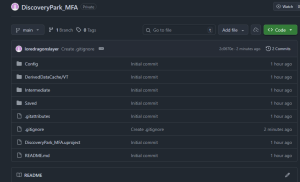
- Creating a GitHub repository for the project (just in case)
- Creating a blank Unreal Engine 5.7 project
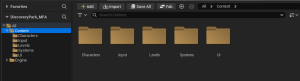
- Setting up content folder structures
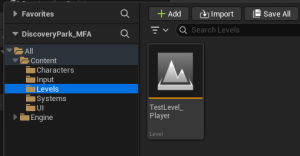
- Creating a dedicated test level
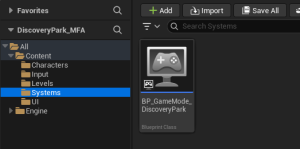
- Building a custom GameMode
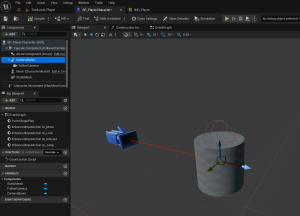
- Creating a Player Character (using UE’s
Characterclass instead of aPawn) - Setting up a third-person character (spring arm and follow camera)
Enhanced Input
Once the foundations were in place, I needed a way to actually play the project. This is where Unreal’s Enhanced Input system came in, and it became a major focus of the week.
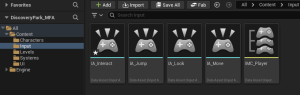
I created input actions for movement, camera look, jump, and interaction, mapped them through a player input mapping context, and applied that mapping context at runtime.
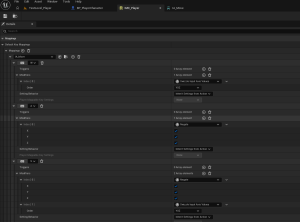
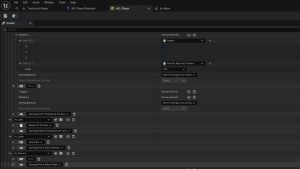
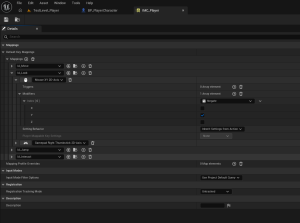
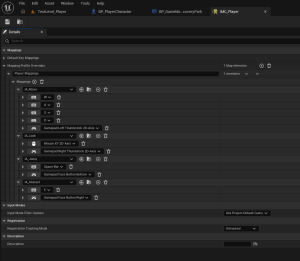
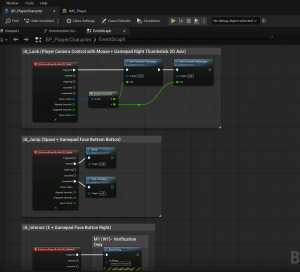
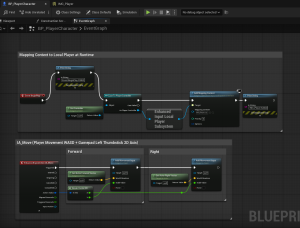
There was a definite learning curve when setting up the inputs and their mappings (specifically the mappings themselves), but thanks to Unreal Engine’s 5.7 documentation, I was able to work through it successfully.
The inputs were assigned to both keyboard & mouse as well as an Xbox controller.
By the end of the week, the player could move, look, jump, and trigger interaction input reliably, and (more importantly) I could explain why each part of the system worked.
Week 2
Interaction System
Now that the player could technically do (basic) stuff, I needed to build an interaction system that allowed them to interact with the world.
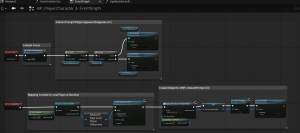
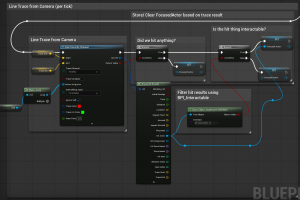
I wanted to learn both major approaches to interaction: camera-based line tracing and overlap-based interaction. The primary method I implemented is driven by a camera-based line trace, meaning the player must intentionally look at an object to interact with it. I also ran a small experiment comparing overlap-based interaction to hit-based detection, which confirmed that line traces are the better choice for intentional interaction in this portion of the project.
For the main system, I implemented focus tracking to determine which object is currently targeted and connected that system to an on-screen interaction prompt for player feedback (press E / A on controller to interact). This created a full interaction loop:
input → detection → UI feedback → action.
To test extensibility, I created multiple intractable objects:
- A cube (press E / A to interact)
- A cone with a “lever” that toggles a light using its own internal state logic
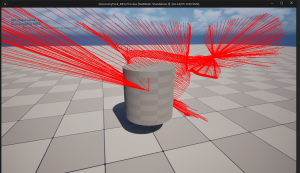
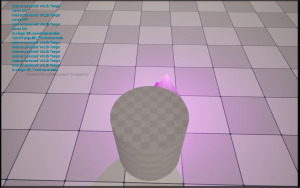
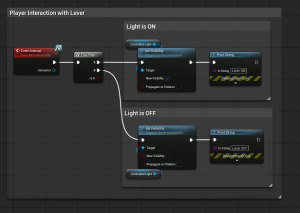
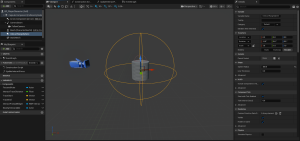

A Note on the Glory of Version Control
Feeling pretty cool about having everything working smoothly so far, I decided to improve the UI prompt when the player was near the cone lever to something like: “Press E / A to turn the light ON/OFF,” depending on the lever’s state.
In the process, I accidentally removed a very important input from one of my previously programmed variables and… the project broke!
Quite literally. Bro-ken.
Thankfully, I was able to recover from this system-breaking error using my GitHub repository-AKA version control.
I rewound the project to a stable state before the implosion and rebuilt from there. This moment really reinforced the importance of maintaining a clean repository when working with interconnected systems like interfaces.
Thank you Linus Torvalds!
The Happy Result of Milestone 1!
By the end of Milestone 1, the project has:
- A fully functional third-person player controller
- A modern Enhanced Input setup applied correctly at runtime
- A reusable, interface-driven interaction system
- Camera-based hit detection (with overlap-based interaction available later) with contextual UI prompts
- Multiple intractable objects sharing the same input
- A solid technical foundation for Milestones 2-5.
This milestone establishes the core player → world loop that everything else in Discovery Park will build on.
Because these systems are modular and well understood, future features can be layered on intentionally rather than patched together later!
Next week, I’ll be diving into Milestone 2, where I really start getting into gameplay systems and loops.
Until next time,
~Lauren
